Build enterprise software by describing it
PIES Studio turns a description into a working application — data model, screens, logic and all — and every piece it creates is an ordinary object you can open and change by hand. Its AI engine can run entirely inside your own network.
Using the product
What’s new in 1.9
Everything since 1.7: post agents on an
environment and supervise them from Activity, deliveries that build and
change apps from a playbook, errands against a running app, Users
& Access with enterprise sign-in, the template store, and what was
fixed.
New in 1.9
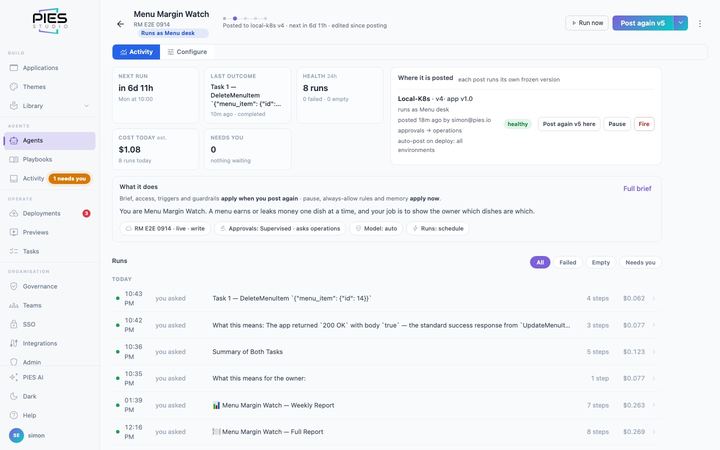
Agentic AI manual
Every agent screen, step by step: New agent and
Configure field by field, posting on an environment, playbooks, the
delivery control panel, errands, approvals and what happens when nobody
answers, templates with test data, and troubleshooting.
New in 1.9
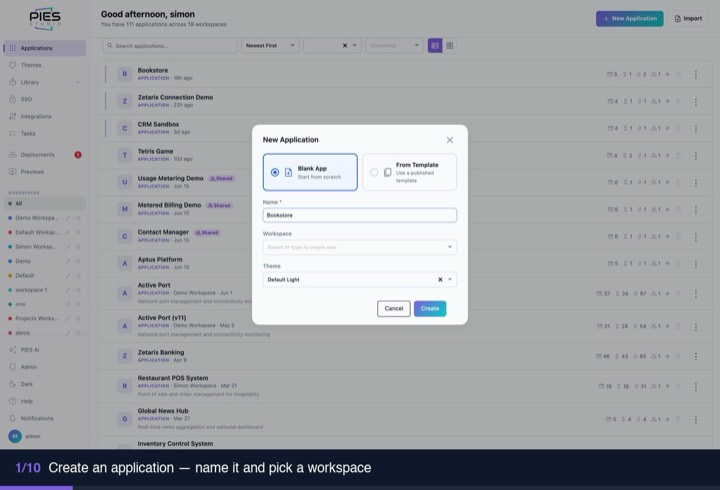
Quickstart
Ten minutes from an empty workspace to an application
that is built, running and holding real data. Start here if you have
never opened PIES Studio.
Start here
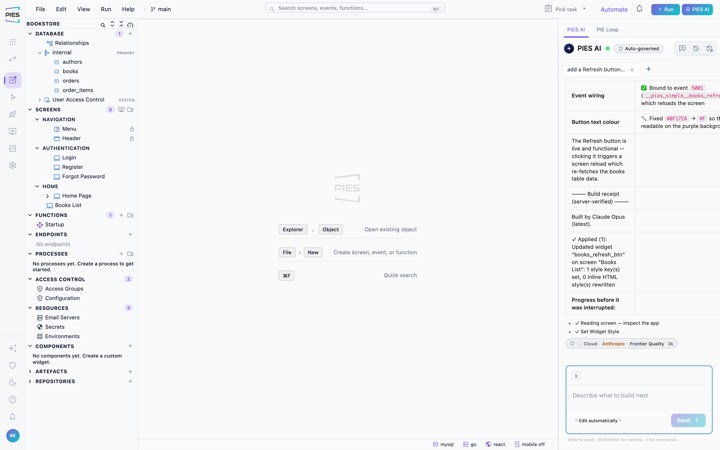
Use cases and walkthroughs
Complete journeys — build from a description, change
what the AI built, author a screen by hand, run it, put it in front of
users — with recorded walkthroughs and prompts you can copy.
Getting started
User manual
The product end to end: the object model, database and
relationships, screens and widgets, events and functions, PIES AI,
governance, integrations, preview and deployment.
Reference
Agents, playbooks & deliveries
The concepts in brief: three kinds of work and the one
door into them — agents posted on an environment, errands done once
against a running app, and deliveries that change an app by running a
playbook step by step on a branch.
Concepts
PiLang
The language of functions and events: one step per
line, IF and loop blocks, comments, variables, and every step with its
arguments in order.
Reference
Build with Claude, OpenAI or Cursor
Connect the coding agent you already use to the Studio
MCP server in Hobby or Enterprise, and let it build and run applications on your
own computer.
Guide
Your agent plans, PIES writes the code
One brief built twice with the same model, by the agent
writing the code and through PIES: output tokens, cost, time, what each
produced, and the gaps in our own result.
Measured
The editor: Code and Canvas
The one view switch on screens, functions and events,
the Steps palette, autocomplete, and where plain sentences still
appear.
Guide
Build with AI
A whole application from one description: the phases,
the design pass every screen gets, cloud fan-out and how long it
takes.
Guide
Governance policies
How AI requests find their policy, what a policy
decides, reading the Policies list, per-app policies and the Test
Console.
Reference
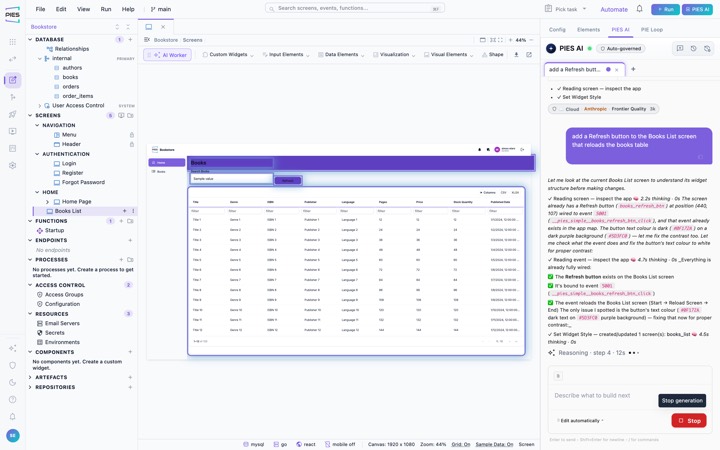
How PIES AI works
What happens between a chat message and a saved change:
governance, the scoped job, the model, the platform’s own tools, and
the validation that runs before anything is written.
Concepts
Looking something up
PIES Studio Hobby
The free plan: the complete editor on your own machine,
no account and no expiry. What it includes, what needs a server, and
what changes when you connect one.
Editions
Getting a licence
Create an account, start a 60-day free Enterprise trial
or buy a licence by CPU count, install the licence file, and renew it
each year.
Editions
Glossary
Screen, event, function, step, binding, code block,
Pie Loop, build receipt — every term the product uses, in the sense it
uses it.
Reference
Error reference
What each message in the PROBLEMS panel means, how to
tell an application problem from a platform one, and why a screen that
builds cleanly can still come up empty.
Troubleshooting
Keyboard shortcuts
Every shortcut in the editor — saving, the canvas,
zoom and navigation. Press ? in the product to see the same list.
Reference
Installing and running it
Installing PIES Studio
Install on your own server from the registry or an
offline package: prerequisites, licensing, creating your first
administrator, and what to do when something does not come up.
Install
Branding
Put your own name, logos, favicon and colours on Studio,
its e-mails and every application it builds: platform branding for
administrators, application branding in Settings, themes for the look.
Administer
PIES Private AI — installation & operations
Run PIES Private AI Ultra on your own GPUs or private cloud:
hardware, licensing, day-to-day operation, air-gapped installation and
troubleshooting. Prompts and data never leave your network.
Private AI
Upgrading
Move a running installation to a new release: what to
back up first, the sequence, how to check it really came up, and how to
roll back when it did not.
Install
Disk and retention
What the server keeps and removes on its own (images,
build cache, logs), the 80% and 90% disk thresholds, and what to do
when the disk keeps filling up.
Install